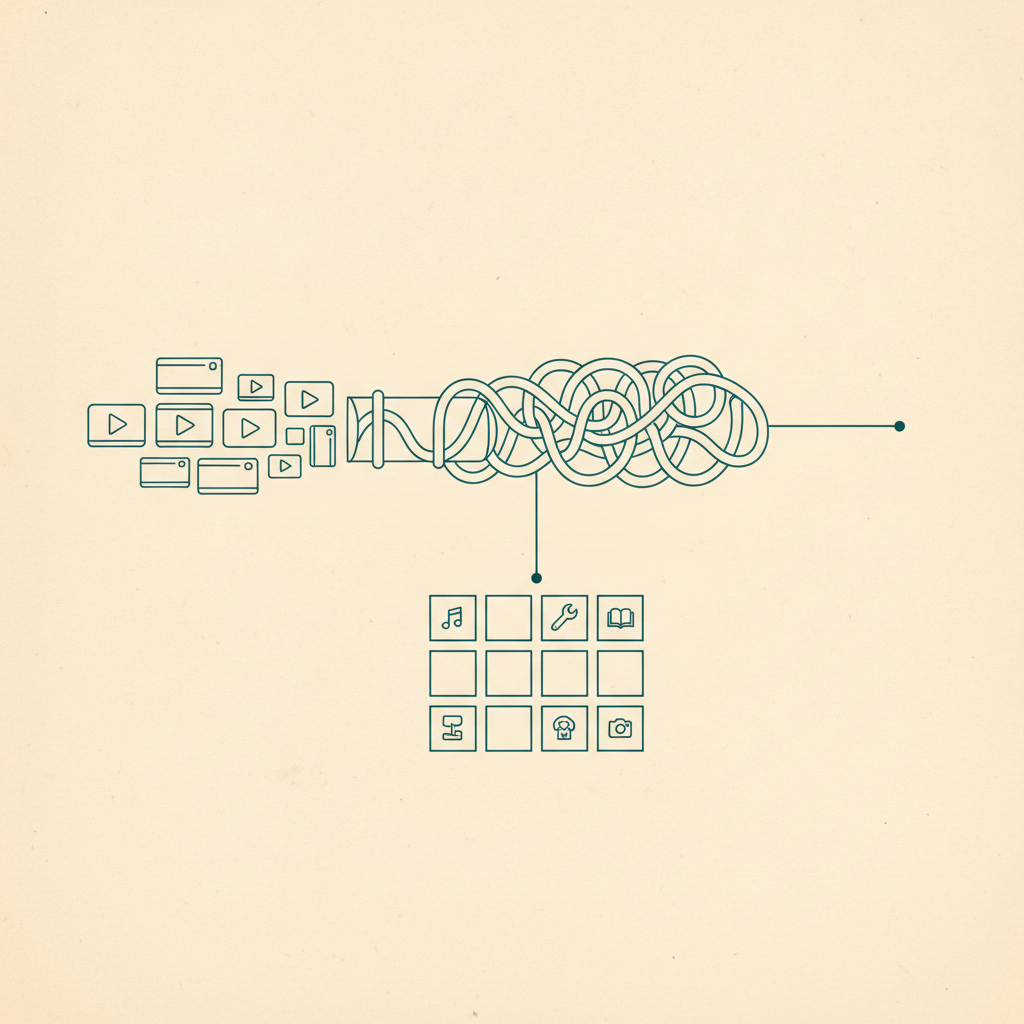
Someone in the group found the beer garden. Someone else found the actual restaurant to eat at before it, not the tourist trap next door. A third person found a lake an hour outside Munich for the day after, to recover. All three of those came from a TikTok or an Instagram Reel, saved the moment someone was scrolling — and all three are sitting on three different phones, in three different people's own private saves, where nobody else in the group can see them until someone remembers to send a screenshot in the group chat.
Everyone did the research. Nobody can see it.
This is what trip planning with friends actually looks like now. Nobody sits down and Googles "things to do in Munich in September" together — everyone just saves things as they come across them, over weeks, in whatever app they happen to be scrolling. By the time the trip is a week out, the group has done a genuinely good job of research. It's just spread across four people's individual libraries instead of living anywhere the group can actually use it. Someone has to reconstruct the plan by asking "wait, what was that place you sent me" three separate times.
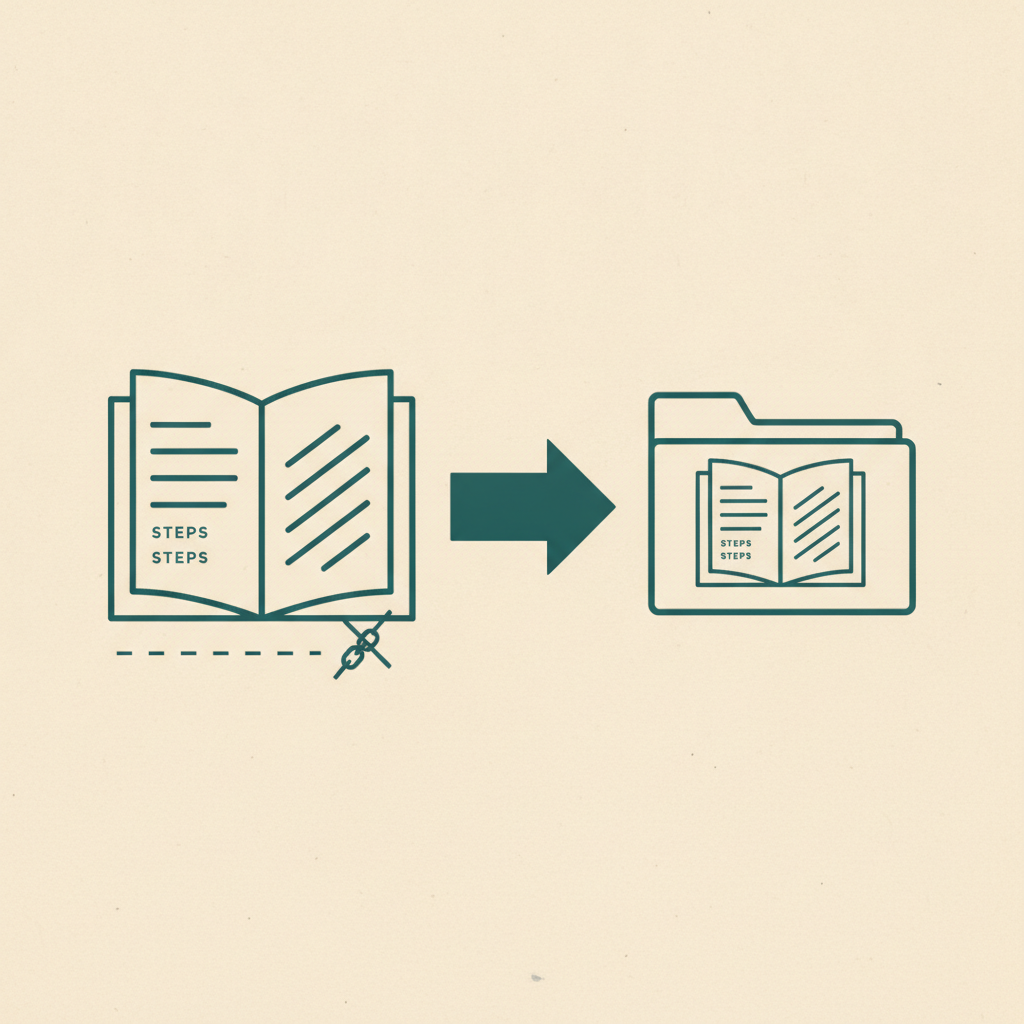
If you've already got a Trip folder going for the things you've saved, you've solved half of this — your own saves stopped being scattered the moment they landed. The other half was always the group's saves, and until now there was no way to combine them without just texting links back and forth.
Trip folders, but not just for you anymore
Folders in Omniteca can now be shared, and sharing means more than "let someone look." Invite whoever you're traveling with, and they can add their own saves straight into the same folder — the beer garden, the restaurant, the lake — right alongside yours. No exporting a list, no copying links into a shared doc that's already three versions out of date by the time everyone's added to it.
The research already happened, across four phones instead of one. A shared folder is just the first place all of it actually lives together.
How it works
Open a folder, invite someone the same way you'd share a save — search your contacts for people already on Omniteca, or send a link to anyone who isn't. Once they're in, anything they save straight to that folder shows up for everyone, in real time, still filed the way Omniteca always files it: the restaurant with its address and a map link attached, the hike with its trailhead, nothing reduced to a bare URL someone has to click to remember what it even was.
Whoever creates the folder stays in charge of who's in it — collaborators can add and remove saves, but only the owner invites people, removes them, or deletes the folder. It's built for "we're planning this together," not for handing over the whole thing.
The trip, assembled by everyone who's going
A Trip folder for Oktoberfest, a long weekend, or a two-week group trip stops being one person's job to consolidate. Everyone drops in what they found, and by the time you land, the folder already looks like the itinerary — not a group chat you have to scroll back through the night before to remember what anyone actually sent.
Start a shared Trip folder for your next trip — free to create, invite as many people as you're actually traveling with.
Frequently asked questions
Can anyone I invite to a shared folder remove things from it?
Yes — anyone you invite can add and remove saves in the folder, since that's the point of planning together. What they can't do is invite or remove other people, or rename or delete the folder itself. That stays with whoever created it.
Do the people I invite need an Omniteca account already?
No. Invite someone who's already on Omniteca and it shows up in their folders instantly. Invite someone who isn't, and they get a link to join and land straight in the shared folder — no separate signup flow to explain.