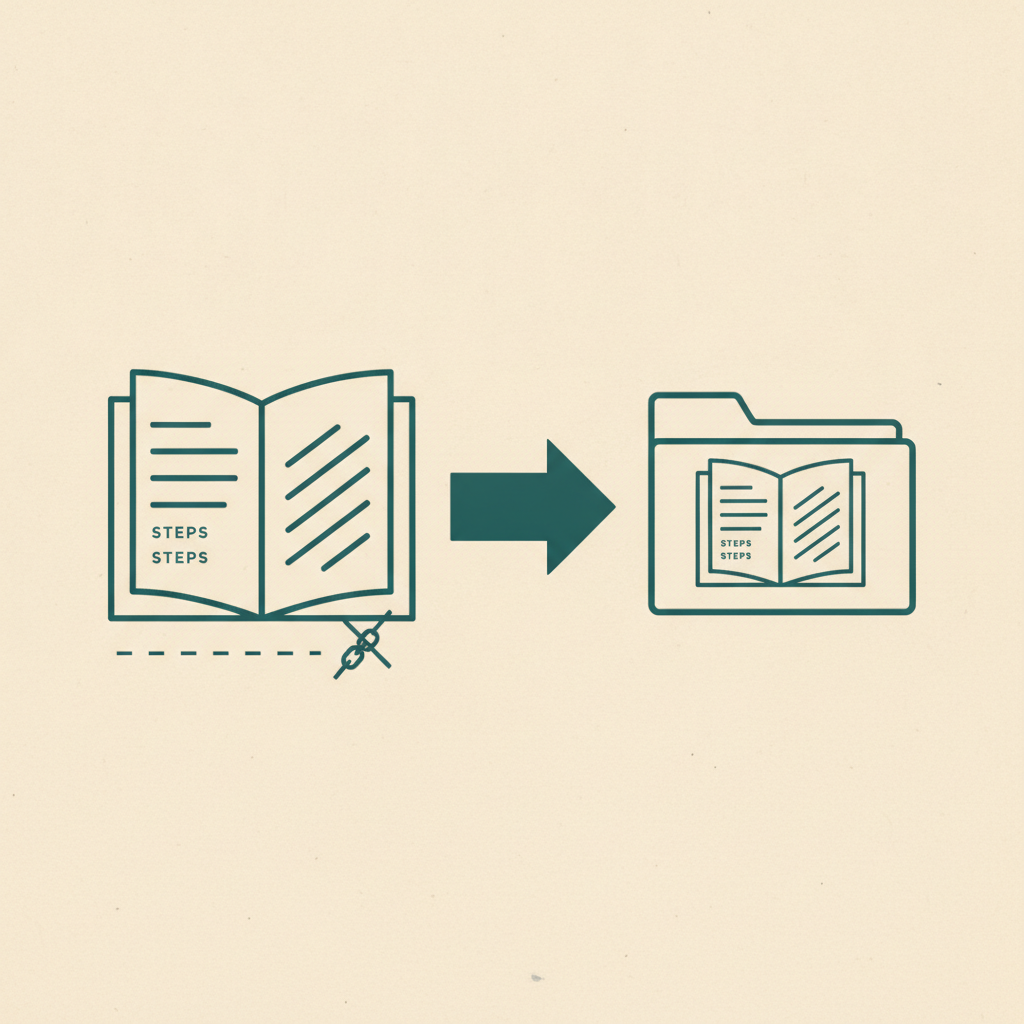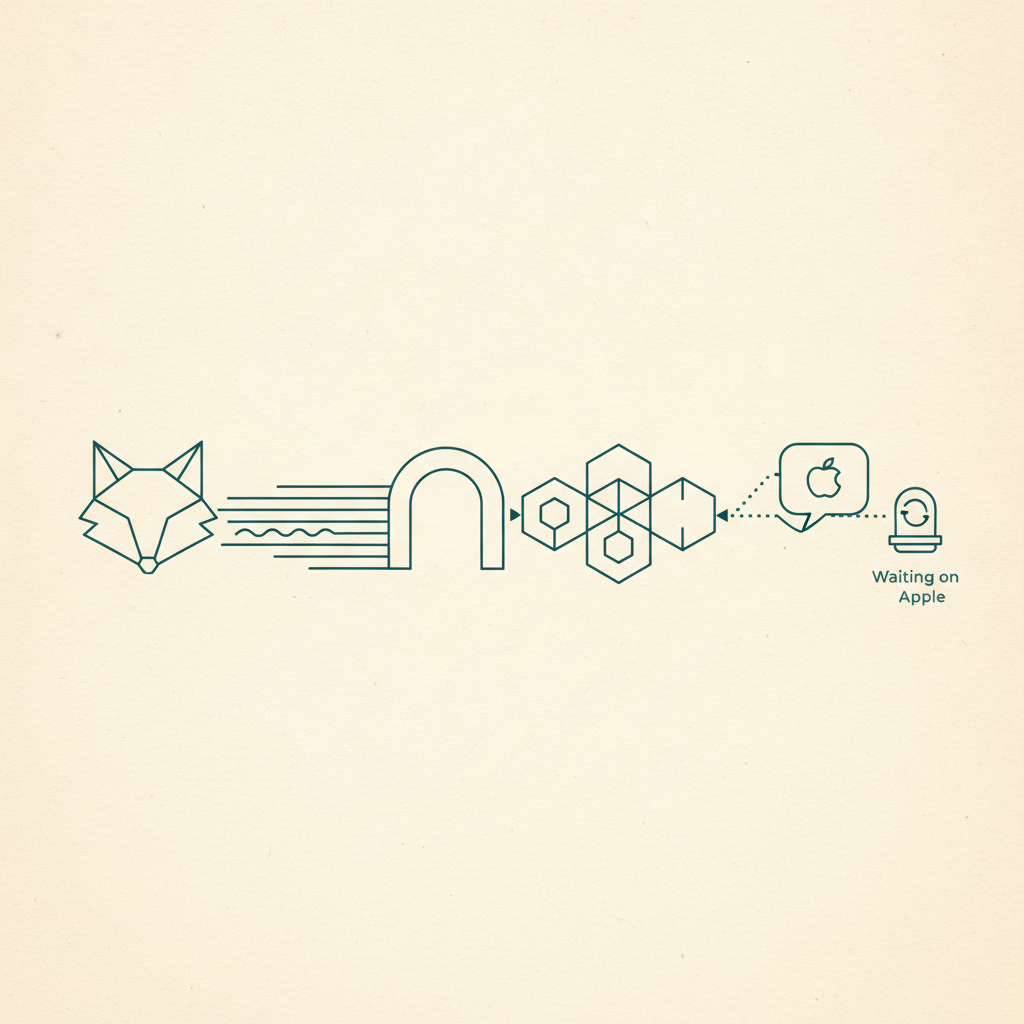
Omniteca started as a Chrome extension, which was fine right up until someone using Firefox asked why they couldn't have it too. As of this week, they can. The extension now runs as a real Firefox add-on, built from the exact same source as the Chrome version — not a stripped-down port, not a "coming eventually" placeholder.
Same extension, different browser
The Chrome extension and the Firefox add-on both compile from one codebase, so there's no second-class version between them. Save a TikTok, an Instagram Reel, a Google Maps pin, or basically any link, and it goes through the identical pipeline regardless of browser: Gemini reads it, classifies it into one of the categories, and pulls out the fields that actually matter — ingredients for a recipe, an address for a place, a runtime for a movie. If you've already read how Omniteca organizes what you save, none of that changes here. Only the toolbar icon does.
What's actually live in Firefox
This isn't a soft launch. The full save flow — Google sign-in, real-time extraction, the side panel for browsing your library — has been verified in an actual Firefox install, not just a build that compiles. It's listed on Mozilla's Add-ons site the same way the Chrome build sits in the Chrome Web Store. If Firefox is your daily browser, there's no more asking a friend on Chrome to save something for you.
The browser was never the point. It was always just the door you happened to be walking through.
Why it's worth having on more than one browser
Most people don't use just one browser — Chrome at work, Firefox at home. An extension locked to a single browser quietly trains you to only save things while you happen to be in the right one. Since your saves sync across every device the moment they land, the browser you're saving from stops being a decision you have to think about — you save from whichever tab is open, and it shows up in the same library either way. If you haven't tried the extension itself yet, saving a TikTok straight from your browser is the fastest way to see what changes.
Get the extension for your browser — Chrome and Firefox are live today.
Frequently asked questions
Is the Firefox extension different from the Chrome one?
No. Firefox and Chrome both come from the same source — same categories, same Gemini-powered extraction, same account. The only thing that changes is which browser you're saving from.
Do I need a separate account for each browser?
No. One Omniteca account works across Chrome, Firefox, iOS, Android, and the web dashboard — sign in once per browser and everything you save syncs to the same library.