If you save things the way most people do, your "saved content" actually lives in six different places: TikTok's Favorites, Instagram's Saved tab, YouTube's Watch Later, a Google Maps list, some screenshots, and maybe a Notes app entry you meant to clean up. None of them talk to each other, and none of them are organized by anything more useful than "date I saved it."
Here's how to actually organize it.
Step 1: Pick one system, not five
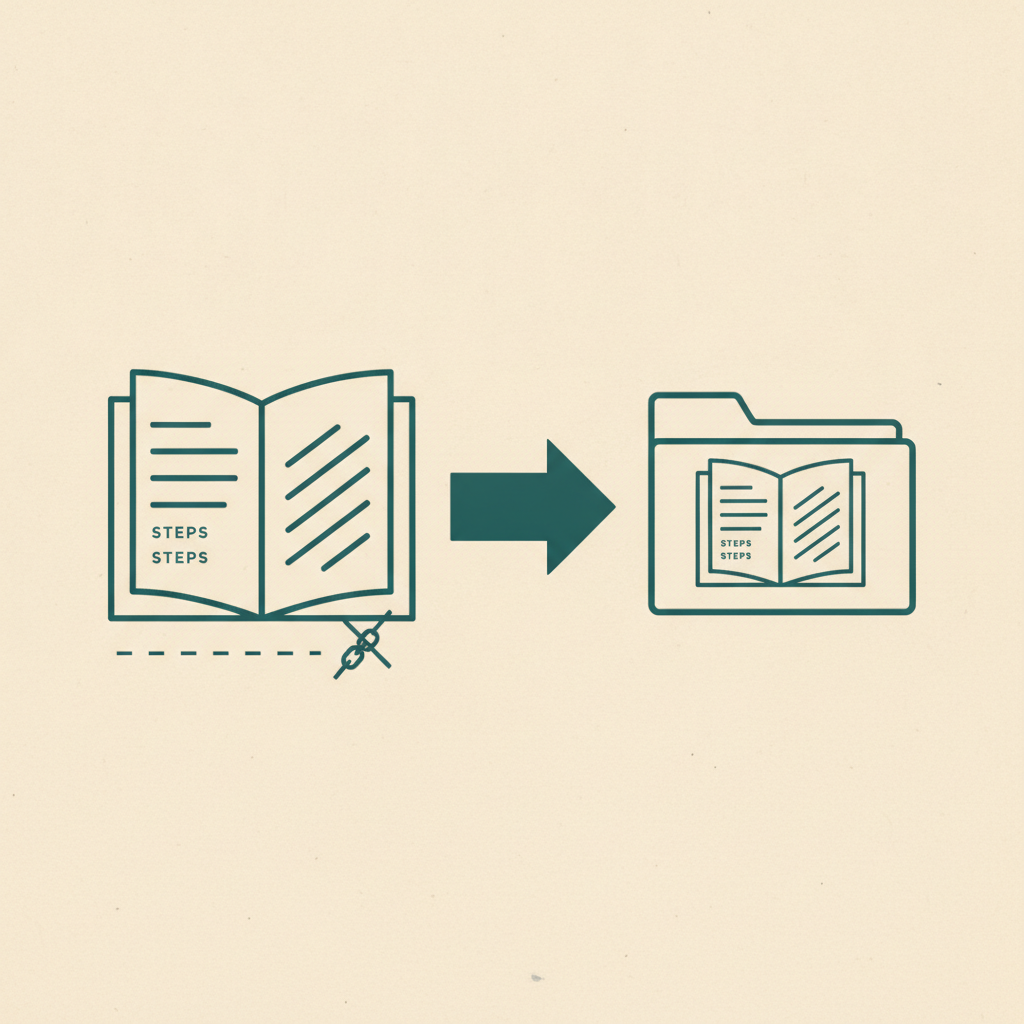
The first problem isn't a lack of organization — it's fragmentation. A recipe you saved from TikTok and a recipe you saved from Instagram end up in two unrelated places, even though they're the same kind of thing. Before any folder structure or tagging system helps, everything needs to land in one system.
Step 2: Organize by what it is, not where it came from
The platform something came from (TikTok vs. Instagram vs. a random article link) almost never matters once you're looking for it later. What matters is what it is — a recipe, a place, a movie, a product. Organizing by source platform is how you end up with six disconnected bookmark tabs in the first place.
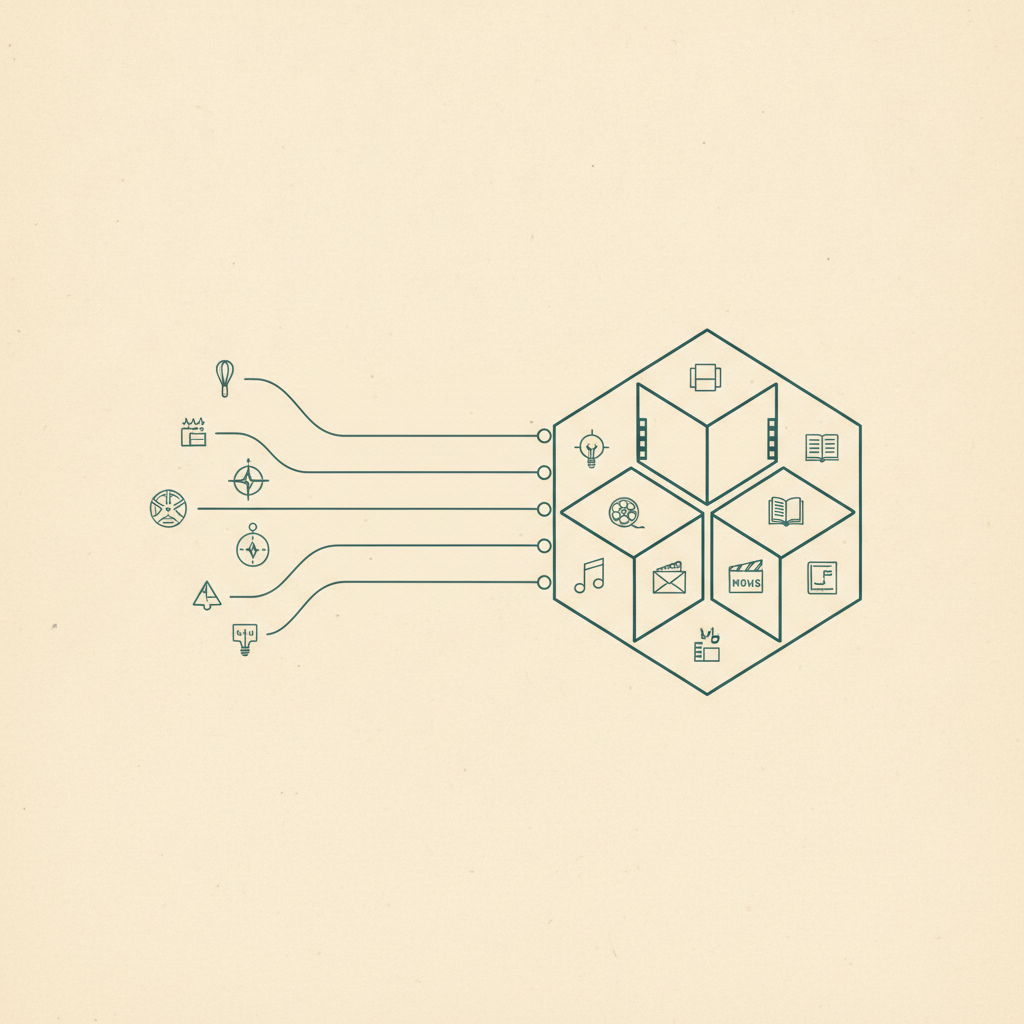
Omniteca's category system is built around this: every save — regardless of whether it came from TikTok, Instagram, YouTube, Facebook, or a Google Maps link — is automatically classified into one of the categories that actually matter for finding it again: recipes, places, movies, TV shows, clips, songs, books, fitness, fashion, products, and articles.
Step 3: Let extraction do the filing for you
Manual organization fails for the same reason New Year's resolutions fail — it requires ongoing effort at the exact moment you have the least patience for it (mid-scroll, about to close the app). The fix is to remove the manual step entirely.
When Omniteca saves something, Gemini reads the content — the caption, the video, the page text — and both classifies it and extracts the useful fields for that category, in the same step:
- A recipe gets ingredients, steps, and cook time — filed under Recipes automatically.
- A restaurant gets an address and a map link — filed under Places automatically.
- A film gets cast and runtime — filed under Movies automatically.
There's no folder to remember to file it into. The category is the folder.
Step 4: Use folders for the exceptions
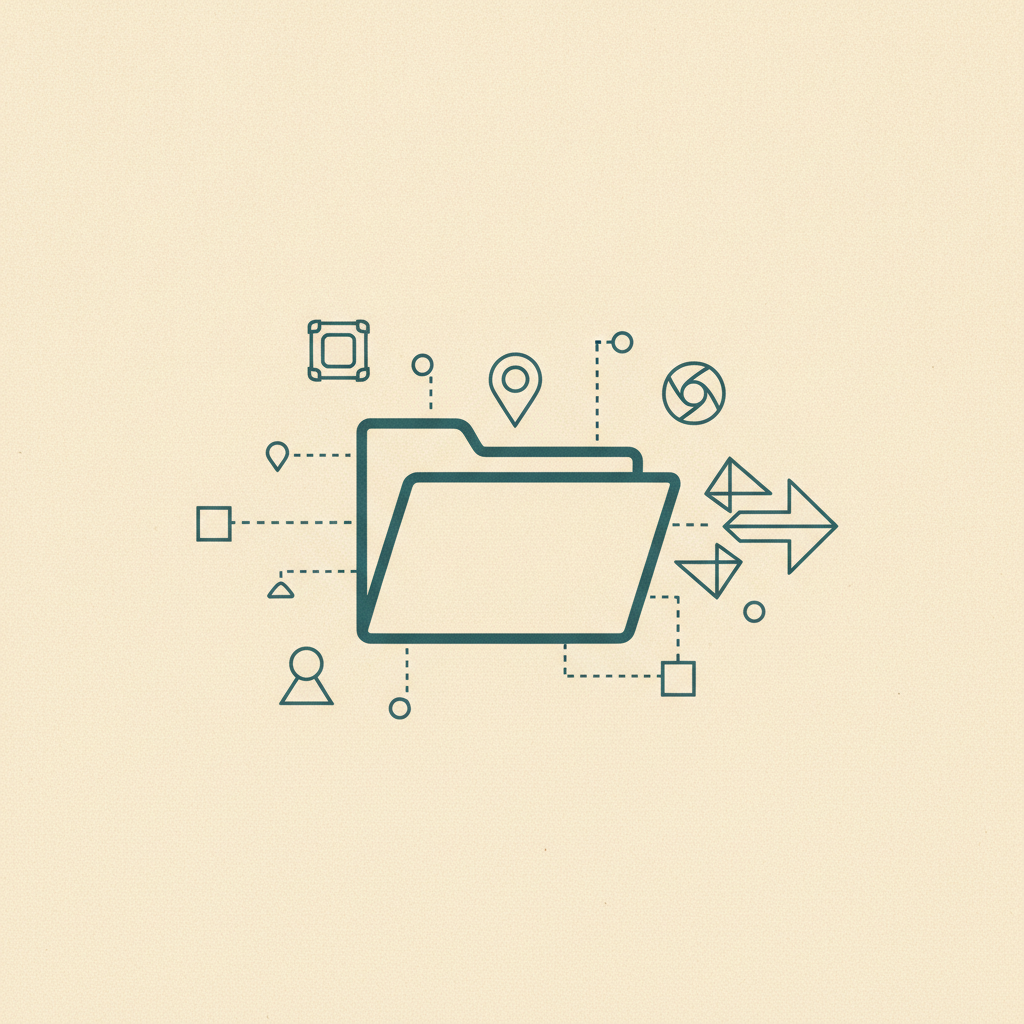
Categories handle "what kind of thing is this," but sometimes you want a cross-category grouping — "Bali trip," for instance, which might include a place, a restaurant, and an outfit idea. That's what folders (coming to Omniteca in a future update) are for: a save can live in its automatic category and in a folder you created, at the same time, without duplicating it.
Step 5: Make it cross-platform
The last piece is access — organizing your saves is pointless if half of them are trapped on your phone and the other half in a browser you weren't using. Because Omniteca syncs across iOS, Android, Chrome, and the web dashboard, a save made from a TikTok on your phone shows up instantly in your browser at your desk. See how to build a personal knowledge base from social media for the bigger picture this fits into.
Start bringing your saves into one place — free to start, works across every device you save from.
Frequently asked questions
Do I have to manually move my old TikTok Favorites or Instagram Saved posts into Omniteca?
Yes, for now — Omniteca doesn't pull directly from those apps' own saved lists. Re-saving the ones you still care about via the share sheet or Chrome extension is the fastest path; anything you haven't opened in months usually isn't worth migrating.
What's the difference between a category and a folder in Omniteca?
Categories (Recipes, Places, Movies, and so on) are automatic and based on what the content actually is. Folders are manual, cross-category groupings you create yourself — like a trip or project — and a save can live in both at once.