You find the recipe, you do the work of deciding it's actually worth cooking, and then you send your friend... the TikTok link. Now they're the one scrubbing through a 90-second video with the sound off on the bus, squinting at a pan to guess the quantities you already know. The recipe existed the whole time. What you sent them was a chore.
The link was never the point
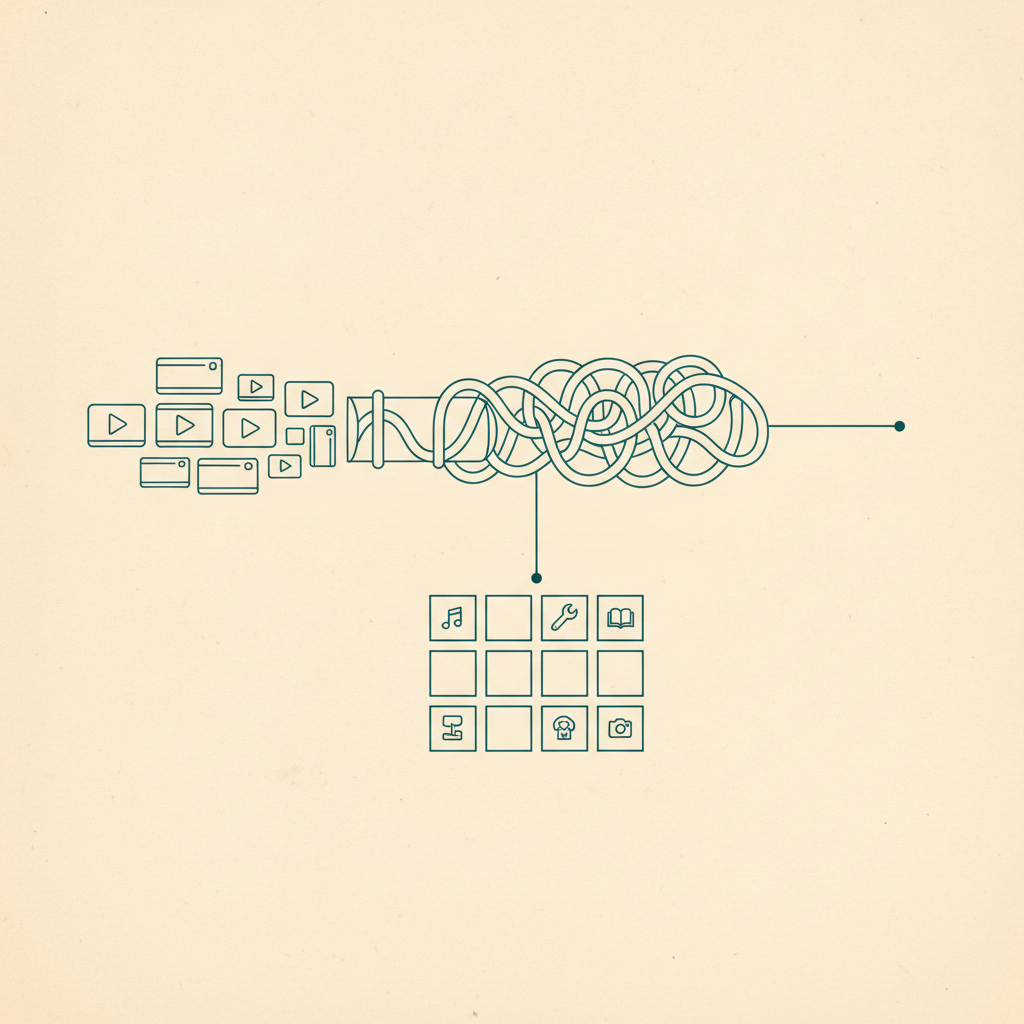
Sending a link feels like sharing, but it's really just forwarding the location of the thing and leaving your friend to do the extraction themselves — rewatch the video, pause it, guess at "a splash of" whatever. That's true whether it's a recipe worth actually cooking, a restaurant, or a product you found. The information was never really in the link. It was in the watching, and now they have to watch it too.
What Share a Save actually sends
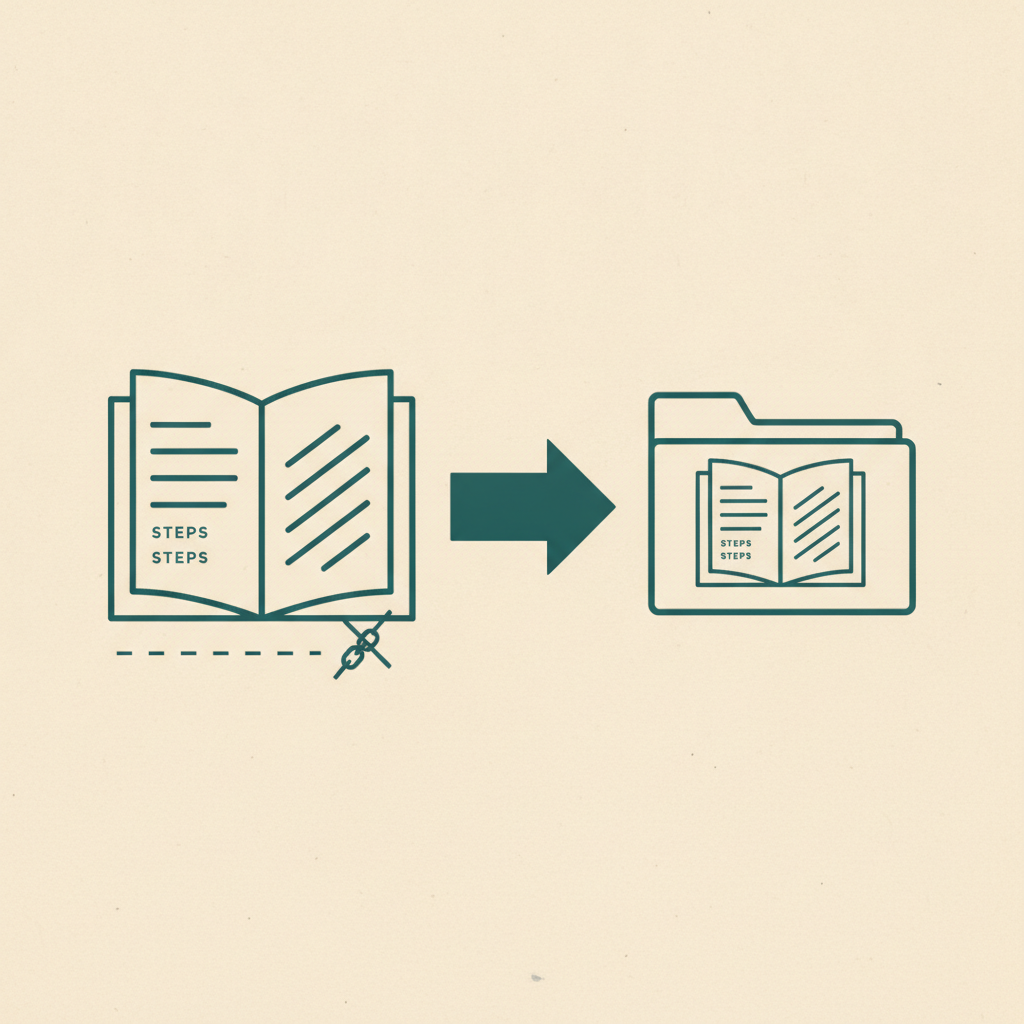
Open any save in Omniteca and share it the way you'd share anything else — copy a link, drop it in WhatsApp or a text, or send it straight to an email. The difference is what's on the other end: not a bare URL, but the save itself, already filed the way Omniteca files everything — ingredients and steps for a recipe, address and hours for a place, the whole structured version, not a video your friend has to rewatch to reconstruct it.
You already did the work of turning a video into a recipe. Sending the link just makes them do it again.
From their inbox to their library
Whoever opens the link sees the full save immediately, no account required — that part's just a preview. If they want it in their own library to actually cook from later, that's where signing up comes in, and it's worth doing: new users get a signup bonus on top of the regular free tier, and if a friend upgrades to Pro after joining through your share, you get a bigger referral reward than the standard give-10-get-10. You're not just being generous by sending the good recipe first — you're the reason they showed up at all.
Sharing more than one thing at a time
A single Share a Save link is built for one save going to one conversation. If you're coordinating with a group over more than a single recipe — planning a whole trip's worth of restaurants and places, for instance — that's what shared Trip folders are for instead: everyone drops saves into the same folder rather than passing links back and forth one at a time.
It's not just for recipes
The same share works for anything Omniteca files — the place you found for date night, the fitness routine your friend keeps asking about, the product you're trying to talk someone into buying too. Anywhere you'd normally forward a link and let someone else do the work of figuring out what it actually is, share the save instead. It's a different habit than a plain-link tool like Raindrop encourages, where what you send is only ever the link, structure included or not.
Share your next save instead of the link — free to send, no account needed to open it.
Frequently asked questions
Does my friend need an Omniteca account to see what I sent them?
No — opening a shared link works for anyone, account or not. They only need to sign in once they want to add it to their own library instead of just viewing it.
How long does a share link last, and can I send it to more than one person?
90 days from the moment you create it, and it doesn't burn out after one open — up to 50 people can use the same link, so it works fine for a group chat, not just a one-to-one message.
What happens if I delete or edit the save after I've shared it?
Whoever you shared it with keeps what they saw — Omniteca snapshots the save at the moment you share it, so their copy doesn't change or disappear if you later edit or delete your own.