Le bouton À regarder plus tard de YouTube est la fonction d'enregistrement la plus utilisée et la moins utile d'internet. Vous appuyez dessus sans arrêt. Vous n'ouvrez presque jamais la liste exprès. Voici pourquoi, et ce qui fonctionne vraiment à la place.
À regarder plus tard, c'est une file d'attente, pas une bibliothèque
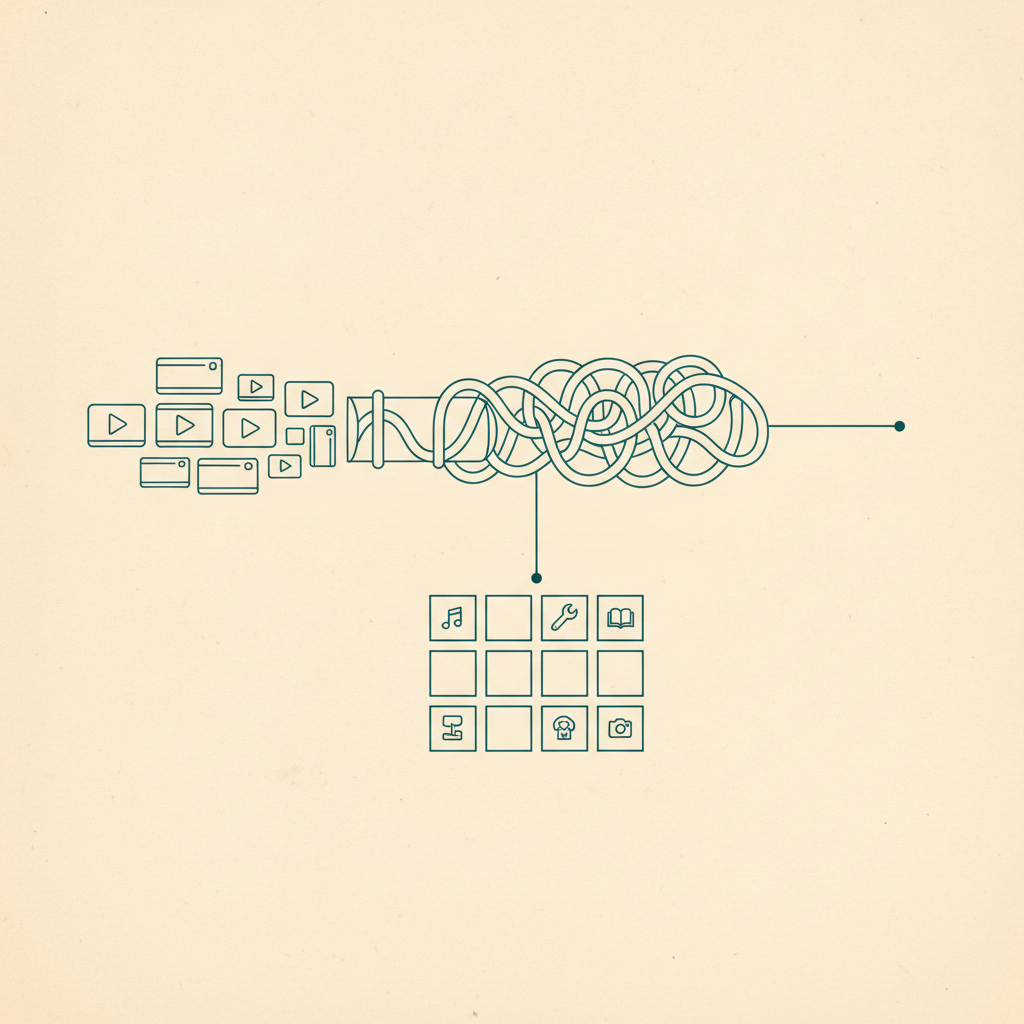
Appuyez sur l'icône d'horloge sous n'importe quelle vidéo et elle atterrit tout en bas d'une seule liste — triée par rien d'autre que l'ordre dans lequel vous avez ajouté les choses. Une vidéo de cuisine, un documentaire de 45 minutes et un Short sur un sentier de randonnée finissent tous dans la même colonne indifférenciée. Impossible de filtrer entre "des trucs que je voulais cuisiner cette semaine" et "un truc que je regarderai quand j'aurai une heure devant moi", alors la liste s'accumule jusqu'à ce que l'ouvrir ressemble moins à parcourir qu'à de l'archéologie.
C'est le même genre de problème que rencontrent les Favoris de TikTok et l'onglet Enregistré d'Instagram — un bouton d'enregistrement qui se souvient que vous avez enregistré quelque chose, pas pourquoi.
Les playlists aident un peu, et seulement si vous les tenez à jour
Vous pouvez créer des playlists et y trier manuellement des vidéos, ce qui est une vraie amélioration par rapport à une file d'attente géante unique — si vous le faites vraiment à chaque fois, sur le moment, avant d'oublier à quelle playlist appartient une vidéo. La plupart des gens ne le font pas. La friction de nommer une playlist et de choisir la bonne au moment exact où vous êtes en plein scroll suffit à faire d'À regarder plus tard le chemin de moindre résistance, et les playlists que vous aviez créées finissent elles aussi par ne plus être utilisées.
Les playlists n'extraient rien de la vidéo non plus. Une vidéo de recette classée dans une playlist "Cuisine" reste juste une vidéo — vous la regardez en entier pour retrouver la liste des ingrédients, vous ne la lisez pas.
Où la vraie valeur se perd
Vous n'oubliez pas avoir enregistré la vidéo. Vous oubliez laquelle c'était.
C'est le véritable échec : pas l'enregistrement lui-même, mais l'absence totale d'un moyen de distinguer vos quarante vidéos enregistrées plus tard sans toutes les revoir. Une vidéo de recette, un entraînement, un lieu qu'on vous a recommandé et un clip musical que vous vouliez retrouver finissent tous aussi peu étiquetés les uns que les autres — ce qui signifie que "la vidéo de pâtes que j'ai enregistrée le mois dernier" est un problème de défilement, pas de recherche.
Enregistrer des vidéos YouTube (et des Shorts) avec l'extraction IA
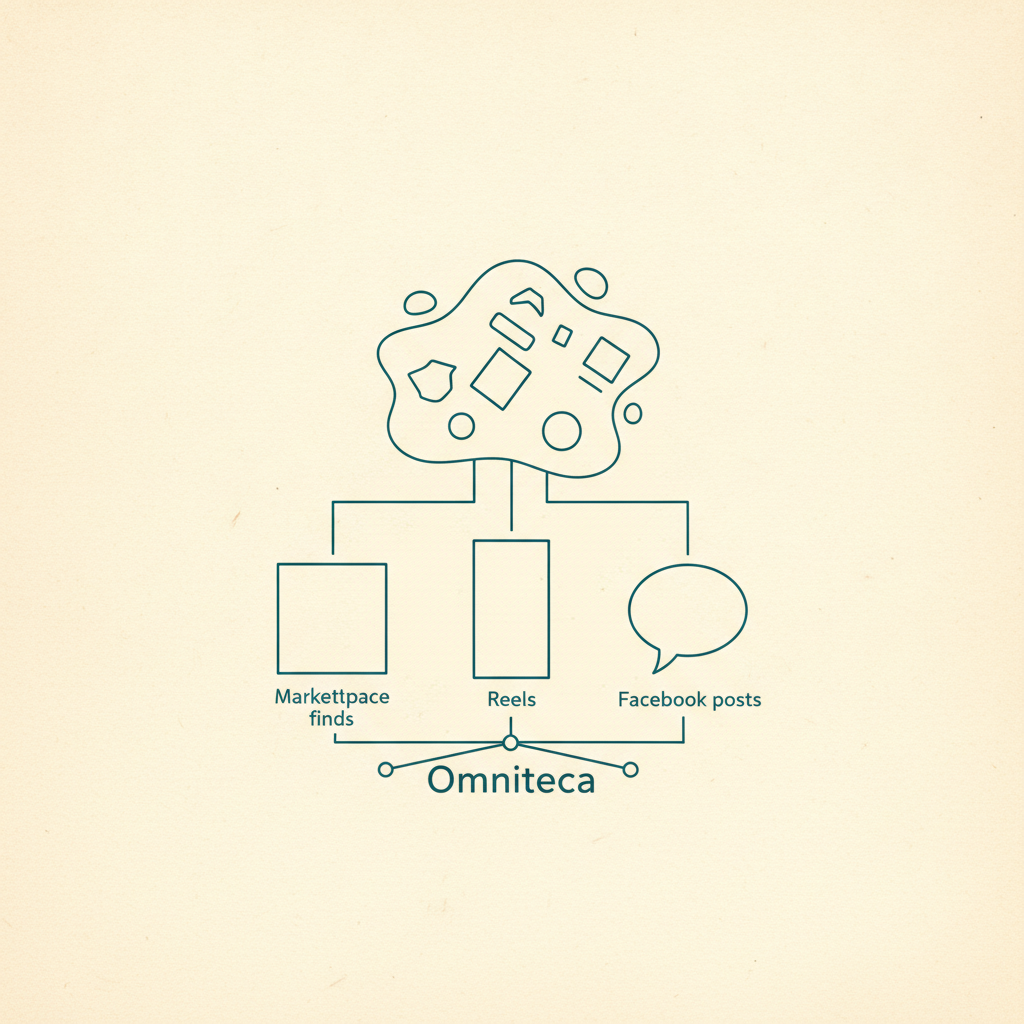
Omniteca traite un lien YouTube — vidéo complète ou Short — exactement comme il traite un partage TikTok ou Instagram : partagez-le depuis l'app YouTube, ou enregistrez-le avec l'extension Chrome sur ordinateur, et Gemini lit la transcription, la description et la vidéo elle-même pour en extraire ce dont elle parle vraiment.
- Une vidéo de recette revient avec les ingrédients, les étapes et le temps de cuisson — pas besoin d'avancer dans une vidéo de 12 minutes pour retrouver un ingrédient manqué.
- Une vidéo d'entraînement revient avec les exercices, l'équipement et le niveau de difficulté.
- Une vidéo sur un lieu ou un restaurant revient avec le nom, l'adresse et un lien de carte.
- Une recommandation de film ou de série est classée dans Films ou Séries avec le casting et la durée déjà attachés, exactement comme devrait fonctionner une bonne app de watchlist.
- Tout le reste — un Short, un essai vidéo, une chanson — est quand même enregistré et classé automatiquement, donc retrouvable plus tard même sans extraction poussée.
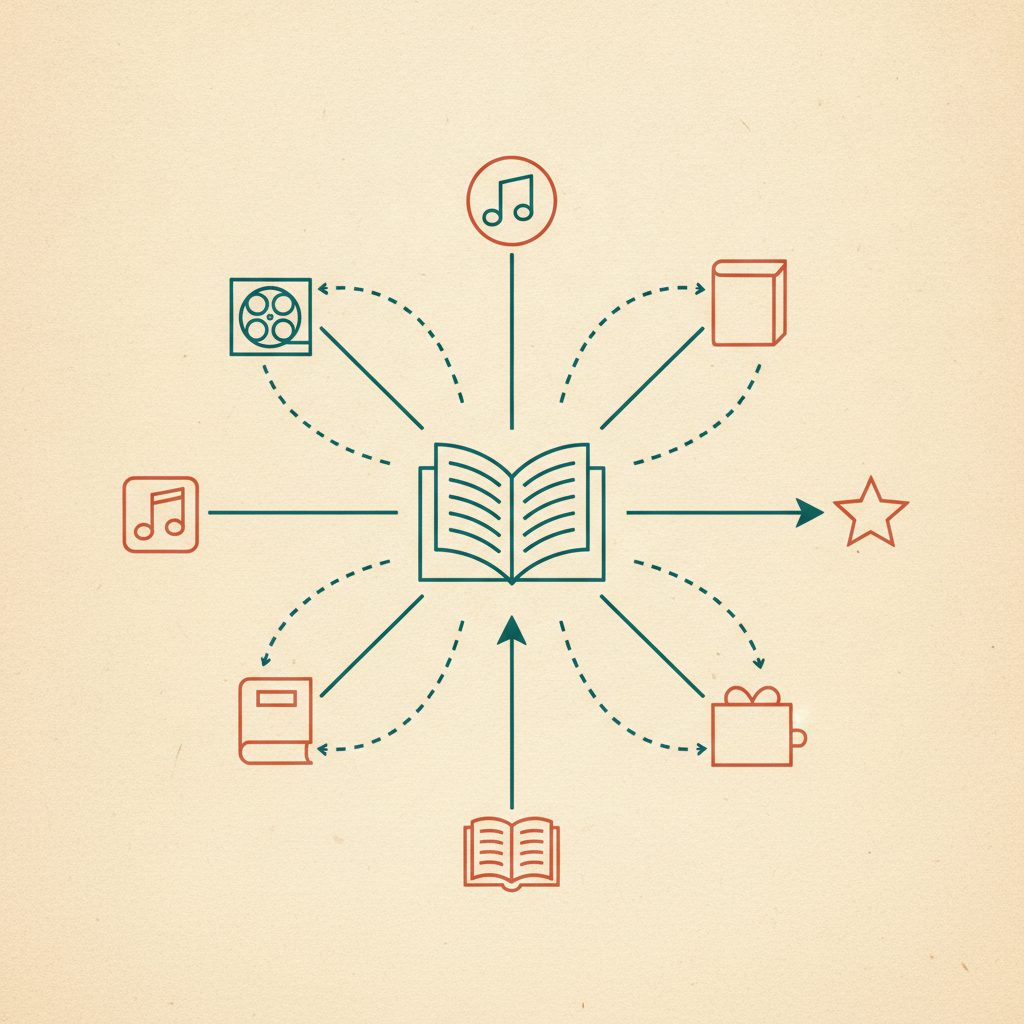
C'est un travail différent de celui d'un outil de favoris généraliste, qui enregistre le lien mais vous laisse le classement et le souvenir. Ici, la catégorie et les détails utiles sont attachés au moment même où vous enregistrez, pas quelque chose que vous reconstruisez en revoyant la vidéo.
La différence concrète
Avec À regarder plus tard, retrouver "ce Short de recette de la semaine dernière" veut dire ouvrir la liste et faire défiler tout ce que vous avez ajouté depuis, en espérant que la vignette vous rafraîchisse la mémoire. Avec Omniteca, ça veut dire ouvrir Recettes, ou chercher "pâtes" — les ingrédients sont du texte cherchable, pas enfermés dans une vidéo qu'il faudrait relancer. C'est le même changement que celui décrit dans réunir tout ce que vous enregistrez à un seul endroit organisé : trié selon ce qu'est vraiment une vidéo, pas selon le moment où vous avez appuyé sur enregistrer.
Enregistrez votre prochaine vidéo ou Short YouTube avec Omniteca — gratuit pour les 5 premiers enregistrements extraits par IA chaque mois, enregistrements de lien simple illimités ensuite.
Frequently asked questions
Pourquoi je ne retourne jamais regarder quoi que ce soit dans ma liste À regarder plus tard de YouTube ?
Parce que c'est une seule liste plate triée par date d'ajout, sans moyen de distinguer un essai vidéo de 40 minutes d'une recette ou d'un Short de 12 secondes sans ouvrir chacun d'eux. Il n'y a rien à chercher et rien pour vous rappeler pourquoi vous l'avez enregistré, alors elle grossit jusqu'à ce que la faire défiler ressemble à une corvée.
Puis-je enregistrer un Short YouTube de la même façon qu'une vidéo normale ?
Oui — Omniteca traite un Short comme n'importe quel autre lien YouTube. Partagez-le depuis l'app YouTube ou collez le lien, et il est lu et classé de la même façon qu'une vidéo complète, recette ou entraînement inclus.
Enregistrer une vidéo YouTube avec Omniteca télécharge-t-il la vidéo elle-même ?
Non — il enregistre le lien avec les données structurées extraites (ingrédients, exercices, détails du lieu, ou simplement la catégorie et un résumé), et vous regardez l'originale sur YouTube quand vous y revenez.