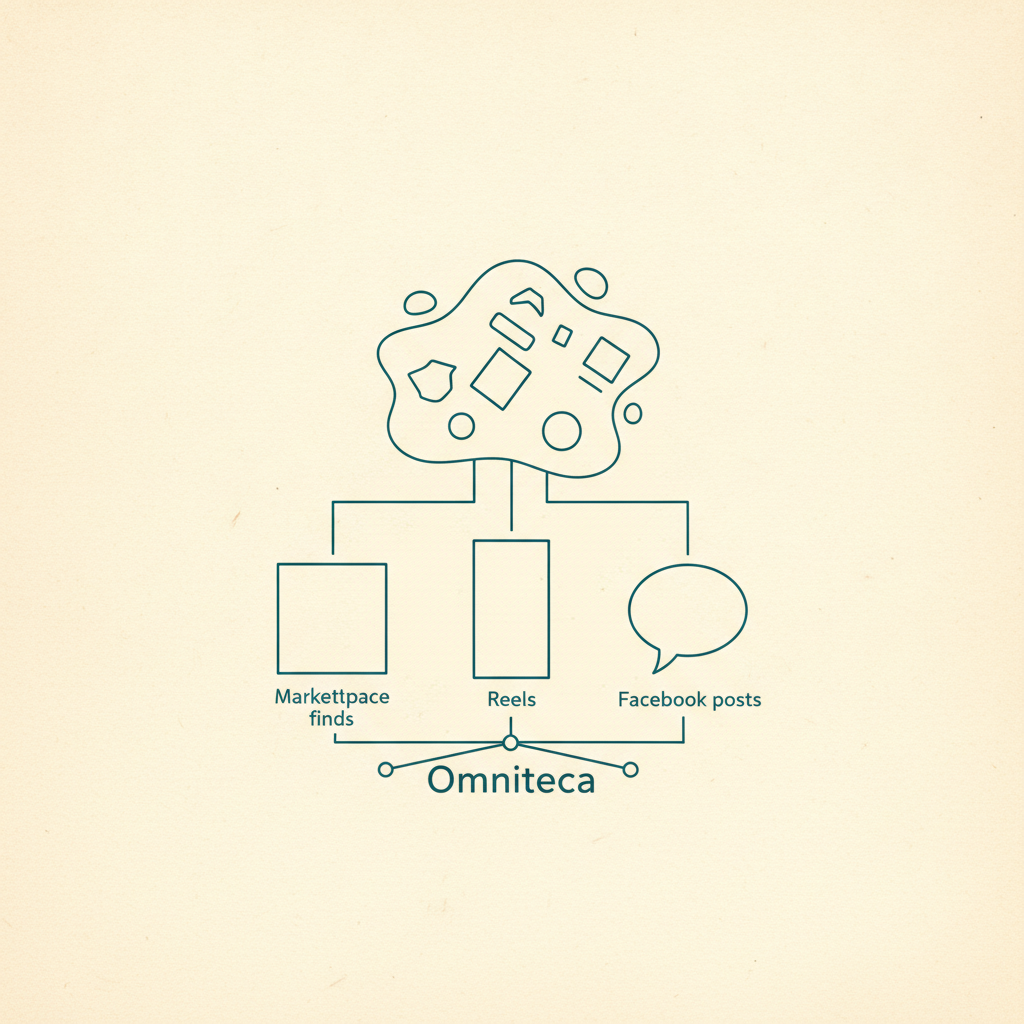
You finish a movie, close the app, and sit there for a second with nothing to watch next. You've saved a dozen movies this year — Omniteca knows every one of them — and none of that history was doing anything for you in that exact moment. It's been pure archive: a place things go, never a place things come from.
Your library was built to be found. Now it finds things back.
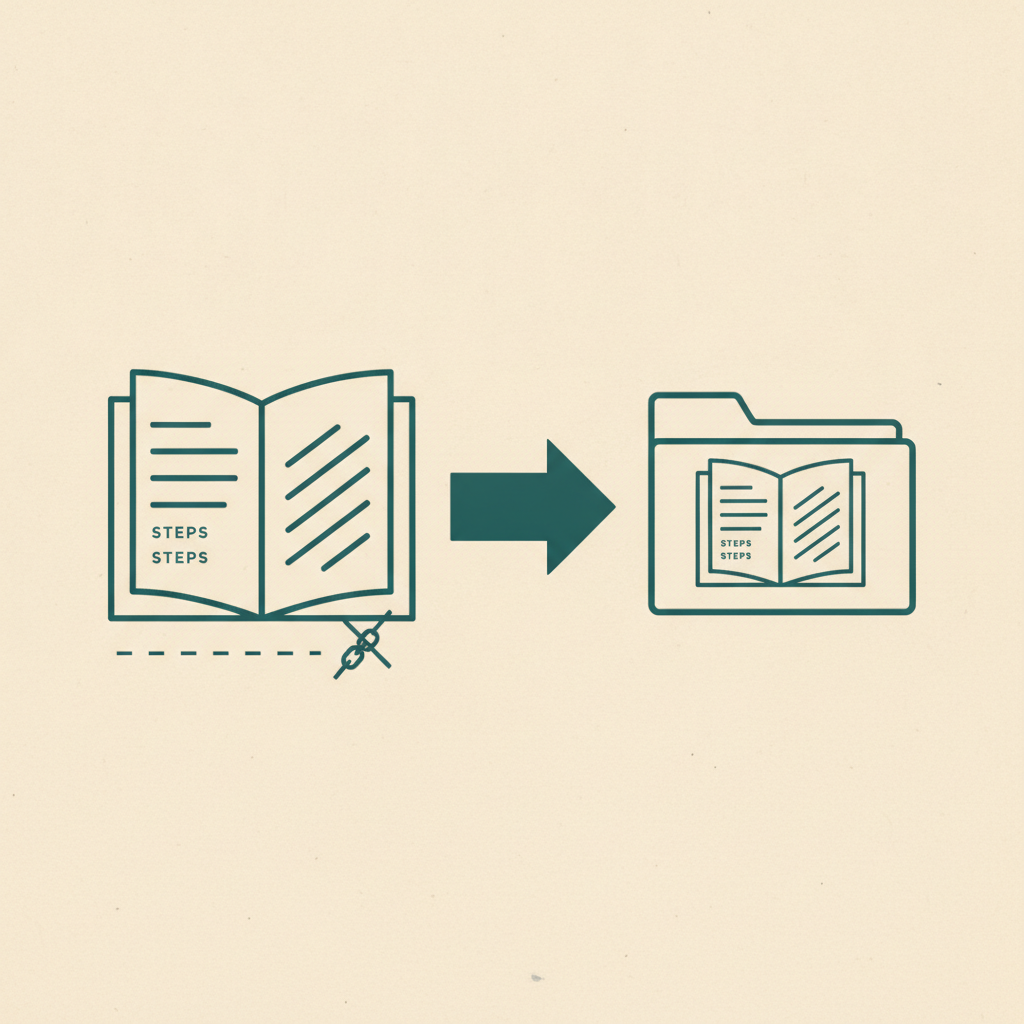
Until now, Omniteca did one job really well: hold onto what you already decided mattered, filed clearly enough that you could actually get it back later. Discover is Omniteca doing the other half of that — looking at what's already sitting in your library and surfacing things you haven't saved yet, in the categories where that's actually useful rather than noisy.
Finding what you saved was never the hard part. Finding what you haven't saved yet was.
That's a different problem than search, and a harder one than sorting. Search assumes you already know what you're looking for. Discover is for the gap right after you finish something — the dozen Top Gun-adjacent movies you'd probably like, or the next recipe that fits the pattern in everything you've already cooked from, that you'd never have thought to search for by name.
What Discover actually looks at
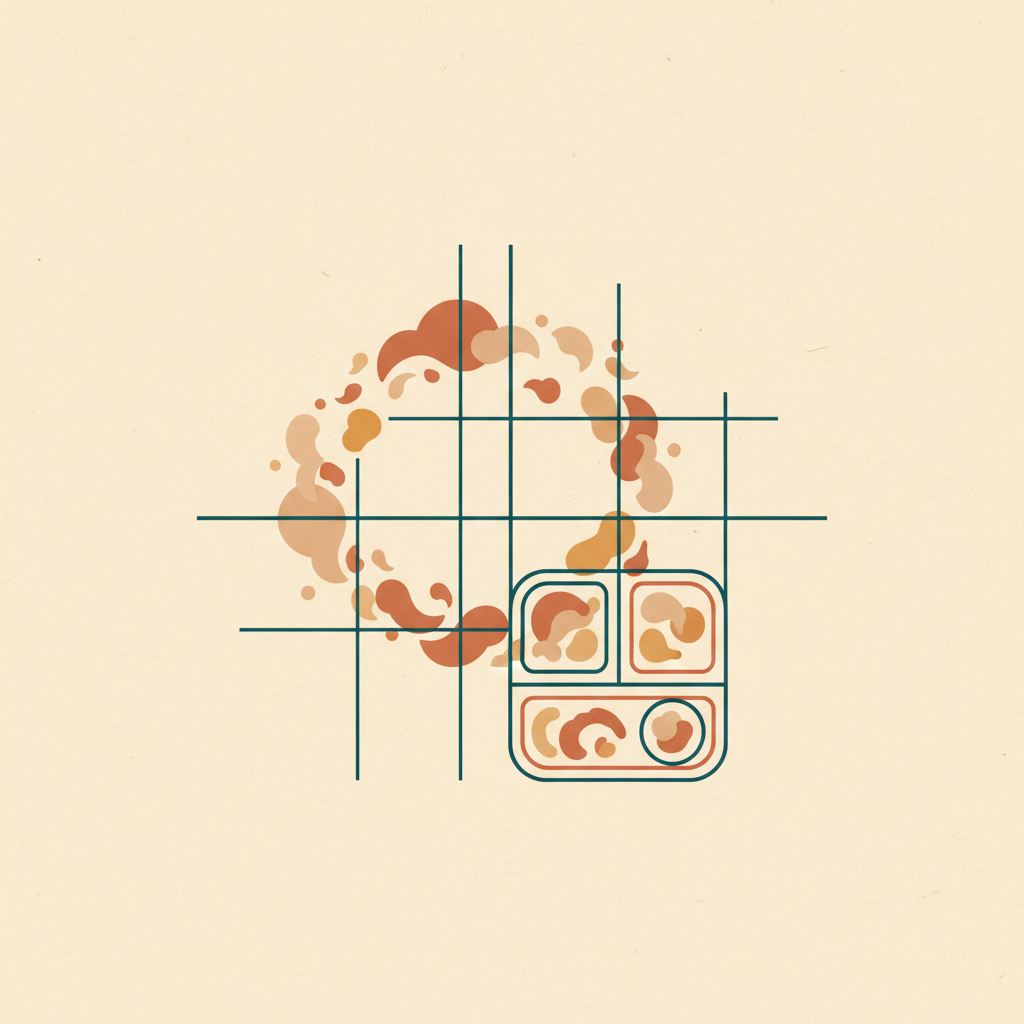
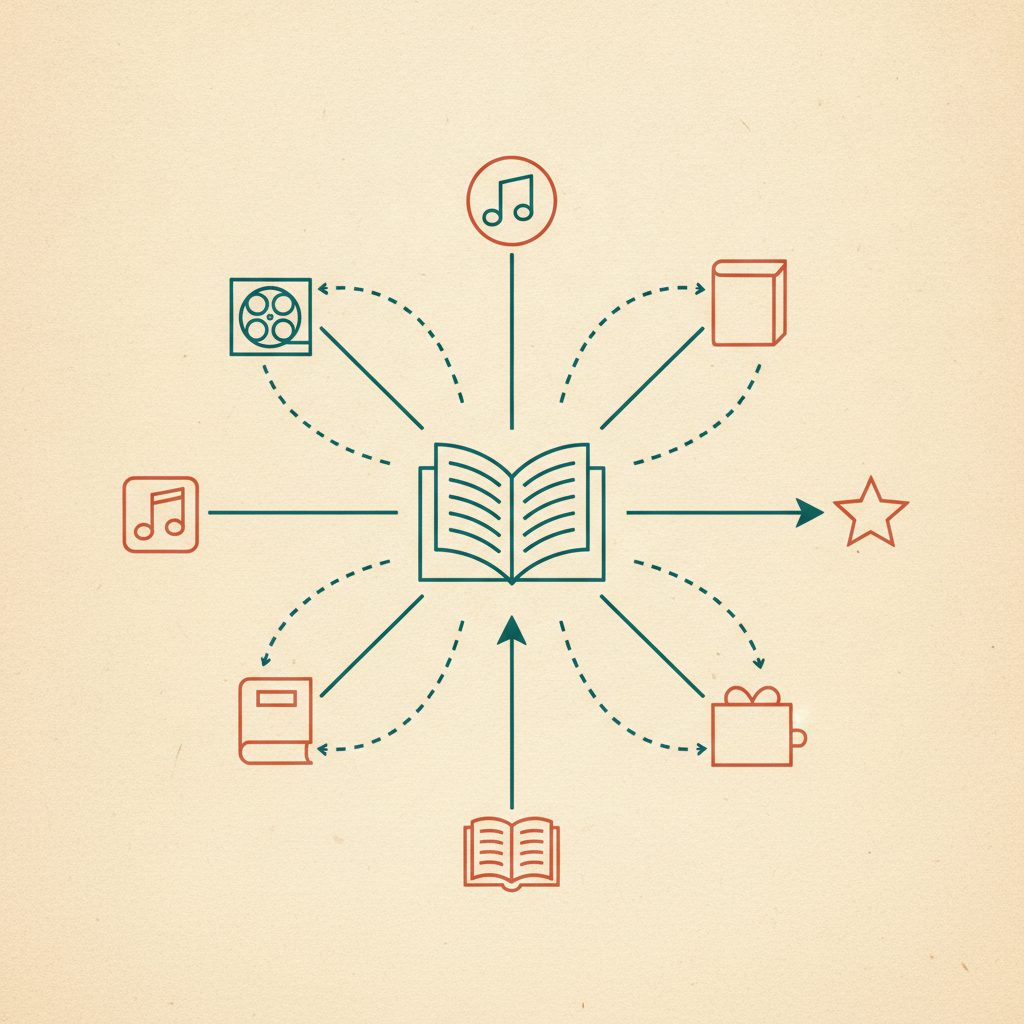
Discover works on five categories where there's a clean concept of a "title" to recommend against: movies, TV shows, songs, books, and recipes. Save a run of char-and-smoke cooking videos and Discover notices the pattern in cuisine and technique, not just the word "recipe." Save a few noir thrillers and a military drama, and it's looking at genre and cast, not a generic "you liked movies" guess.
Places, products, fashion, and fitness are deliberately left out of v1. A bad movie suggestion costs you nothing. A restaurant suggestion that's wrong about whether the place still exists, or a product suggestion that's wrong about whether it's actually in stock, costs you something real — so those stay out until that risk is handled properly, not papered over.
Where it shows up
Discover lives in two places: a "Similar to this" section right on a save's detail view, and a dedicated Discover tab that pulls suggestions together across every qualifying category at once. If you've been using Omniteca mainly as a watchlist for what people recommend you, the detail-view version is the one worth trying first — finish watching something, and the next five are already sitting there instead of you opening a different app to figure out what's good.
Suggestions, not another feed
Most save tools stop at storage — mymind included, for all its tagging and visual recall. They'll help you find what you already put in, but they won't ever tell you what belongs next to it. Discover isn't a trending feed or a sponsored placement; every suggestion traces back to specific things you actually saved, which is also why dismissing one that misses the mark actually changes what you see next, instead of just hiding a single row.
See what Discover has for you — open the Discover tab the next time you're done with something and not sure what's next.
Frequently asked questions
What categories does Discover work with?
Five, on purpose: movies, TV shows, songs, books, and recipes. These are the categories where a 'similar title' genuinely makes sense. Places, products, fashion, and fitness are left out — a wrong real-world suggestion is a worse experience than no suggestion at all.
Does Discover suggest things from my own library, or genuinely new content?
New content you haven't saved. Omniteca already helps you find things you've already saved — Discover's job is the harder, more useful half: surfacing the next movie or recipe you don't know about yet, based on the pattern in what you've saved so far.
Can I dismiss a suggestion I don't want to see again?
Yes. Dismiss it from either the Discover tab or the "Similar to this" section on a save, and it won't resurface.