Facebook gives you a save button for almost everything — posts, Marketplace listings, Reels, events — and nearly all of it lands in the same place: a "Saved items" screen you can filter by type but not search by what's actually in it. Here's why that stops working past a few dozen saves, and what to do instead.
One Saved tab, three different kinds of problem
A recipe someone shared, a couch you're thinking about buying, and a Reel you meant to rewatch all get the same treatment: tap Save, and it's filed into the same list everything else goes into. Facebook's own filters split that list by content type — Posts, Videos, Marketplace — which helps you tell a Reel from a listing, but not a listing you're seriously considering from one you saved on a whim three months ago. Nothing about the save itself is searchable beyond the title Facebook happened to show you.
Marketplace finds disappear the fastest
Marketplace listings are the save most likely to go stale without you noticing — the seller relists, changes the price, or takes it down, and the saved item in your list quietly stops reflecting reality. Worse, the save doesn't carry anything with it besides a thumbnail and whatever title the seller wrote; there's no price history, no note on why you wanted it, nothing to compare against the next three couches you save after it. It's the same gap covered in how to actually keep track of a product you meant to buy — the save remembers that you tapped the button, not what made the thing worth buying in the first place.
Reels get buried under everything else you saved today
Save a Reel mid-scroll and it goes into the same undifferentiated pile as a text post from a group you're in. A recipe Reel, a workout, a place someone tagged — all treated identically, with nothing extracted from any of them. It's the same shape of problem TikTok's Favorites tab has: the platform remembers that you saved something, never what it was for.
Facebook's Saved tab tells you what you saved. It never tells you why.
Saving Facebook content with AI extraction
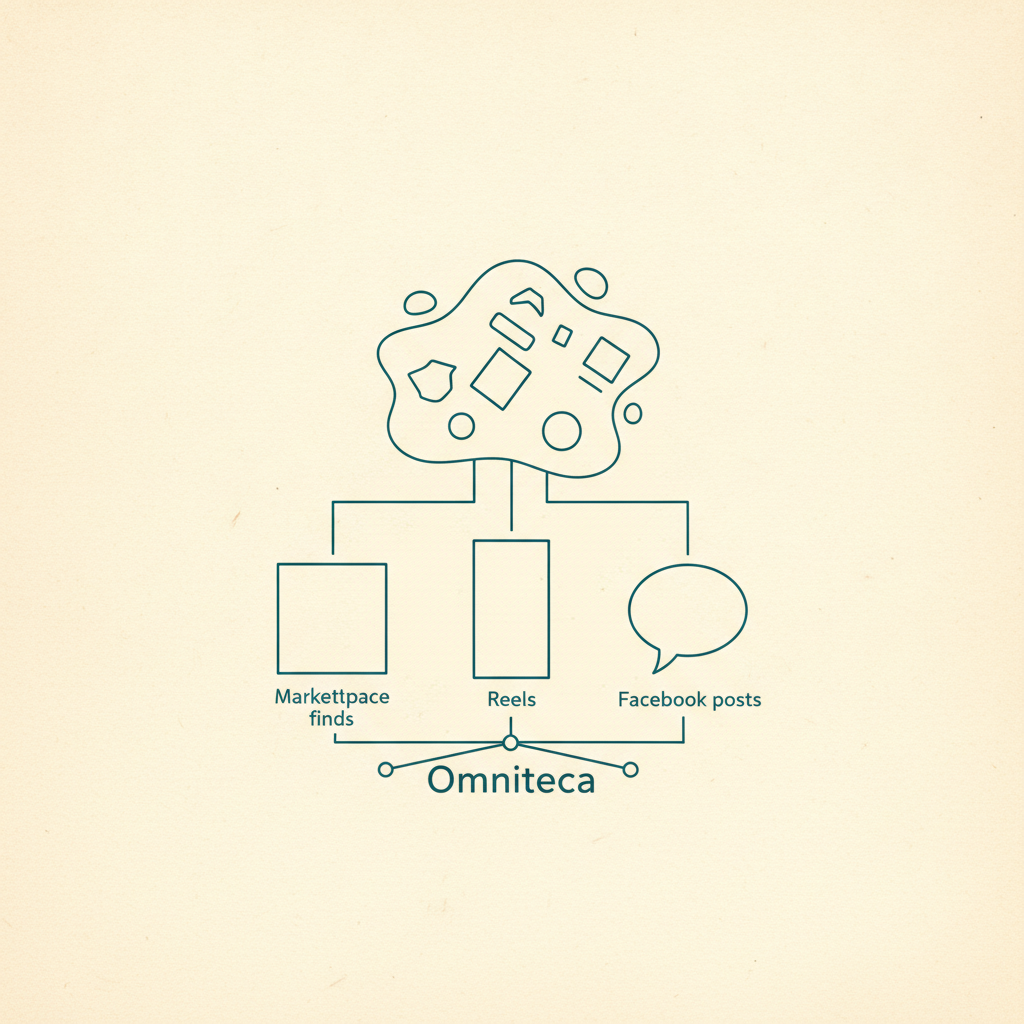
Omniteca treats a Facebook link — post, Marketplace listing, or Reel — the same way it treats a save from any other source: share it from the Facebook app, or save it with the Chrome extension on desktop, and Gemini reads the caption, the visible text, and the photo or video to pull out what actually matters.
- A Marketplace listing comes back filed under Products, with the item and price attached when Facebook's own listing text includes them.
- A recipe Reel comes back with ingredients and steps, not a video you have to rewatch to catch the quantities.
- A place or restaurant post comes back with the name, address, and a map link, the same way a Google Maps save does.
- Anything else — an event, a group post, a Reel that doesn't fit a category — still gets saved and auto-filed, so it stays findable without a rewatch.
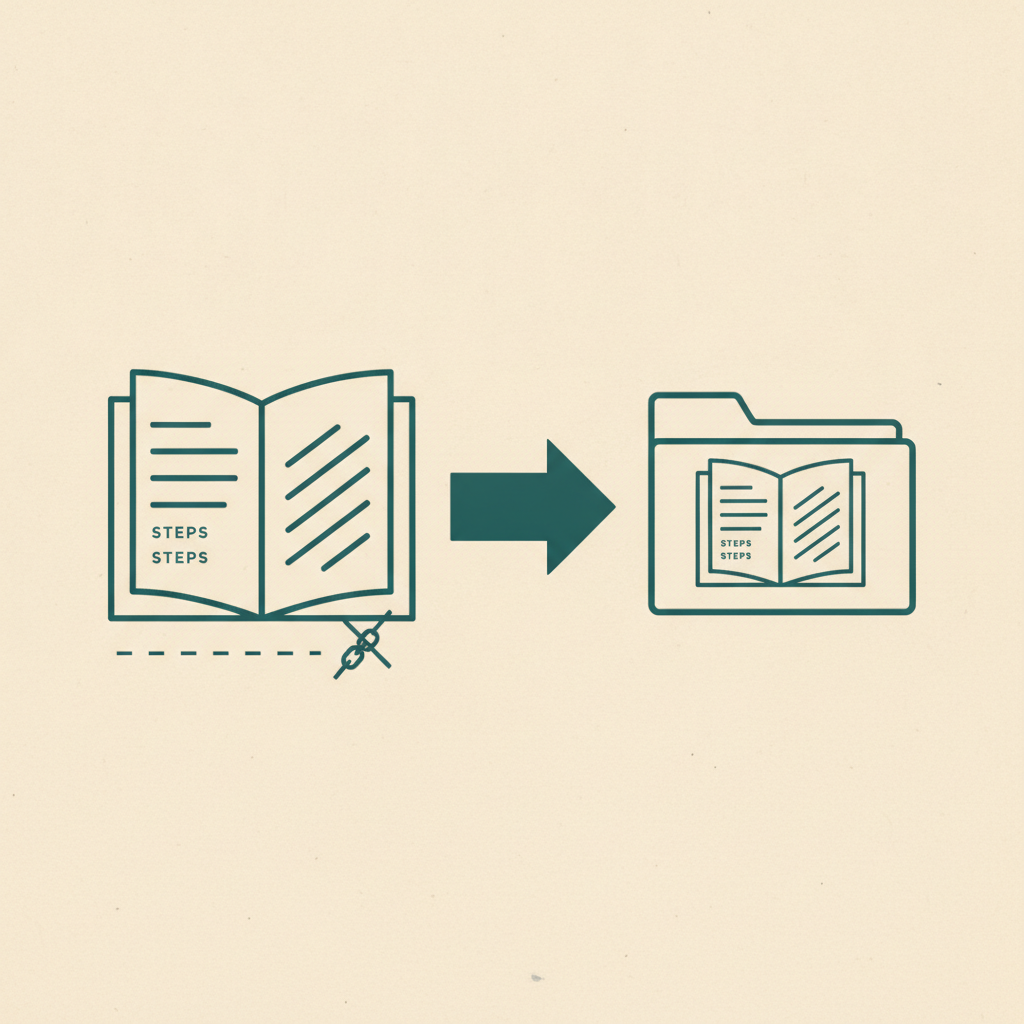
This is a different job than Facebook's own Saved tab, which stores the pointer and leaves the categorizing to you. The category and the useful details are attached the moment you save, not reconstructed later by scrolling thumbnails or reopening the listing to check if it's still live.
The practical difference
With Facebook's Saved tab, finding "that couch from last month" means opening Saved, filtering to Marketplace, and scanning thumbnails for one that looks right. With Omniteca, it means opening Products, or searching for it directly — the details are searchable text, not locked inside a listing that might not even be up anymore. It's the same shift behind bringing everything you save into one organized place, rather than one more flat list split only by content type.
Save your next Facebook post, listing, or Reel with Omniteca — free for the first 5 AI-extracted saves per month, unlimited plain link saves after that.
Frequently asked questions
Can I save a Facebook Marketplace listing the same way as a regular post?
Yes — share the listing's link or save it with the Chrome extension on desktop, and it's treated like any other Facebook save. Gemini reads the title, description and photo to pull out what the item is, and files it under Products so it sits next to anything else you've saved to buy.
Does saving a Facebook Reel with Omniteca download the video?
No — it saves the link along with whatever gets extracted from the caption and visible text (ingredients, a place name, a product, or just a category and summary), and you watch the original Reel on Facebook whenever you come back to it.
Why can't I just use Facebook's own Saved tab for this?
You can, and plenty of people do — it's just a flat, undifferentiated list filtered only by content type, not by what anything actually is. There's no ingredient list, no address, no price pulled out, so finding one specific save later still means scrolling and guessing from thumbnails.