Social media has quietly become most people's primary source of the things they actually want to remember — the recipe they'll cook this weekend, the restaurant for a friend's visit, the book someone recommended in a comment. The problem isn't discovery. It's that TikTok, Instagram, and YouTube are built to keep you scrolling, not to hold onto what you found.
A personal knowledge base is just a system that closes that gap: capture what's worth keeping, structure it enough to find later, and get it out of the app that showed it to you in the first place.
Why the "note-taking app" approach doesn't work here
The traditional personal-knowledge-management move is to copy interesting things into Notion, Obsidian, or a notes app. This works for text you type yourself. It works poorly for a 40-second TikTok — you'd have to watch it, manually transcribe the ingredients or the address, and paste them in by hand. Almost nobody actually does this consistently, which is why most people's "notes" folder is a graveyard of half-finished entries.
The three pieces a real system needs
Capture with zero friction. If saving something takes more than the same one tap you'd use to "like" a post, you won't do it consistently — not because you're lazy, but because friction compounds against a habit you're still building. A share-sheet action or browser extension click needs to be the entire capture step.
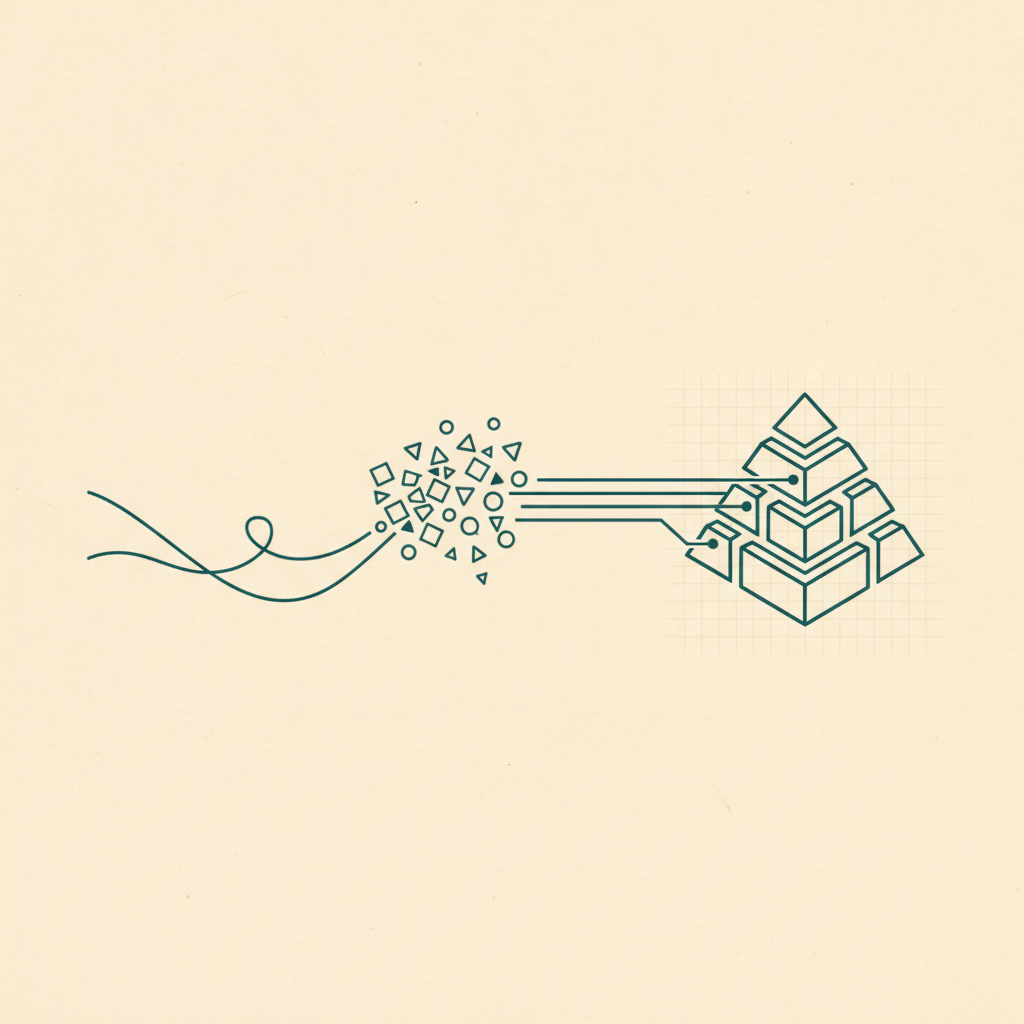
Structure without manual effort. The knowledge base has to organize itself, because you won't. This is the part AI extraction actually solves well: reading a TikTok's caption and transcript to pull out the recipe's ingredients, or reading an Instagram place post for the address, turns raw content into structured, categorized data automatically — the same moment it's saved.
Get it out of the source app. A save that only lives inside TikTok's own bookmarks is still trapped in TikTok — sorted by nothing, searchable by nothing, tied to an app whose whole design goal is pulling your attention back into an infinite feed. A real knowledge base lives independently, reachable from your phone, your browser, and your desktop, regardless of which app something originally came from.
What this looks like in practice
Omniteca was built around exactly this loop: save from TikTok, Instagram, YouTube, Facebook, or Google Maps with one tap or click, and Gemini reads the content to extract and categorize it automatically — no manual transcription, no filing. A recipe becomes a searchable ingredient list. A place becomes an address with a map link. A film becomes cast and runtime. Six months from now, "what was that pasta recipe" is a search, not an archaeology project through old Favorites tabs.
The habit that actually sticks isn't "remember to organize your saves later." It's "save once, and let the structure happen automatically" — because the only capture habit that survives long-term is the one that doesn't ask anything more of you than the tap you were already making. See how to organize your saved content for the practical, step-by-step version of this.
Start your knowledge base with Omniteca — free to start, syncs across iOS, Android, Chrome, and web.