Halloween is four days out, and your plan currently lives across six apps. The costume idea you saved from a TikTok back in August. The dip recipe someone sent you in a group chat in September. The spooky tablescape Reel you double-tapped and never opened again. None of it is in one place, and none of it is findable by searching — only by scrolling and hoping you remember which app it was on.
A party is a deadline for every save you made since August
Costume inspiration doesn't arrive the week of Halloween — it arrives in waves, starting whenever the first pumpkin-spice post shows up on your feed. You save a few ideas in August out of pure curiosity, more in September once decorations start appearing in stores, and by October your Favorites tab is a graveyard of videos with no memory attached to any of them. The party is the deadline. Nothing about how you saved these ideas was built to meet one.
$13.5 billion says you're not the only one scrambling
This isn't a small habit. Americans are projected to spend $13.5 billion on Halloween this year — an average of $115 per person on costumes, candy, and decor, per the National Retail Federation's annual survey. That's a lot of people trying to turn a scroll-worth of inspiration into an actual shopping list and an actual menu, on a deadline that doesn't move no matter how disorganized the saves got along the way.
The party doesn't wait for you to remember which app the idea was on.
Three categories, one scavenger hunt
A costume, a recipe, and a decor idea have nothing in common except that you saved all three the same way: tap the button, keep scrolling, sort it out later. "Later" is always the week of the party, which is exactly when you have the least time to re-watch a dozen videos trying to remember which one had the recipe for the dip everyone liked, or which costume reference actually had the right wig color. TikTok's own Favorites tab and Instagram's saved posts keep the video. Neither one keeps why you saved it.
Filed differently, automatically
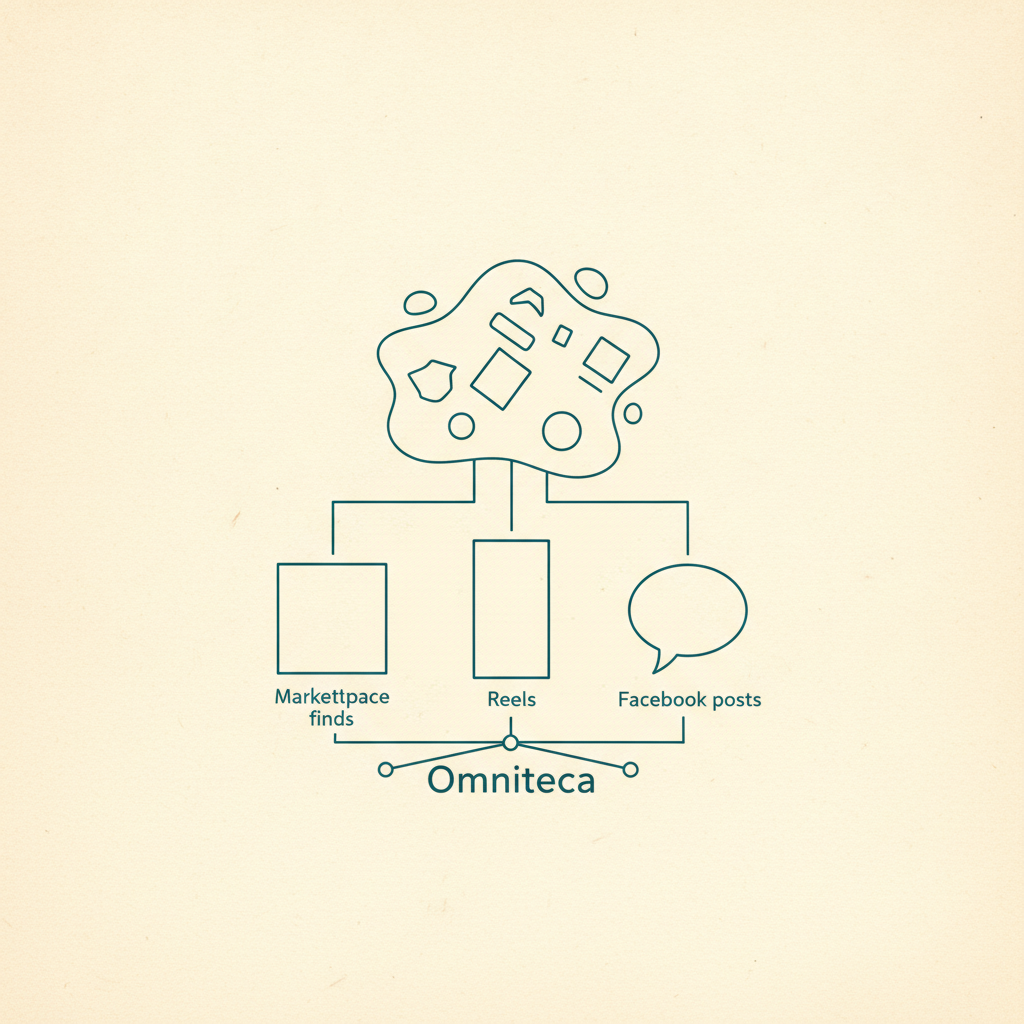
Omniteca treats a costume Reel, a recipe TikTok, and a decor post as three different things, because they are. Share any of them the moment you save it, and Gemini reads the caption and the video to pull out what actually matters: a costume or outfit idea comes back filed under Fashion with whatever brand or piece is shown, a recipe comes back with the ingredients and steps already extracted instead of a video you have to rewatch, and a decor find or a product comes back under Products with the price and a shopping link when one exists — the same fix a screenshotted outfit or product needs, just applied a season early. A general save-everything tool like mymind will store all three just fine; the difference is whether you can tell them apart two months later without opening each one again.
The weekend before, not the night before
The real test isn't whether the save was fast — every app makes saving fast. It's whether "the dip recipe from September" is a search instead of a rewatch, and whether "that skeleton costume from August" comes back the moment you type "skeleton" instead of forcing you to scroll three months of saves to find it. If Halloween saves are the first pile you've let get away from you, sorting out what's already sitting in a save tool takes the same few minutes it always does — worth doing now, before the next holiday starts filling the same pile back up.
Start saving this season's ideas with Omniteca — free for the first 5 AI-extracted saves per month, unlimited plain link saves after that.
Frequently asked questions
I saved a Halloween costume idea back in August — how do I actually find it again now?
Search for it instead of scrolling for it. If it was saved to Omniteca, Gemini already pulled out what the costume was and filed it under Fashion when you saved it, so typing a word or two — the character, the color, the brand if one was shown — surfaces it directly instead of making you dig through weeks of other saves.
Does this work for decor and recipe ideas too, or just costumes?
All of it, the same way. A decor Reel gets filed under Products or Article depending on what it actually is, a recipe gets its ingredients and steps pulled out under Recipe, and a costume or outfit idea goes under Fashion — three different categories, each searchable on its own terms, instead of one long scroll of saved videos.
What if I only screenshotted the idea instead of saving the actual post?
Then you're stuck with what the screenshot shows and nothing else — no caption, no link back, no extracted ingredients or price. Going forward, share the original post or video instead of screenshotting it, so the details stay attached and searchable.